
Managing Content
Adding Activities
Activities can be added to the system from the Activities screen under Manage Content.
Enterprise Help
Activities can be added to the system from the Activities screen under Manage Content.
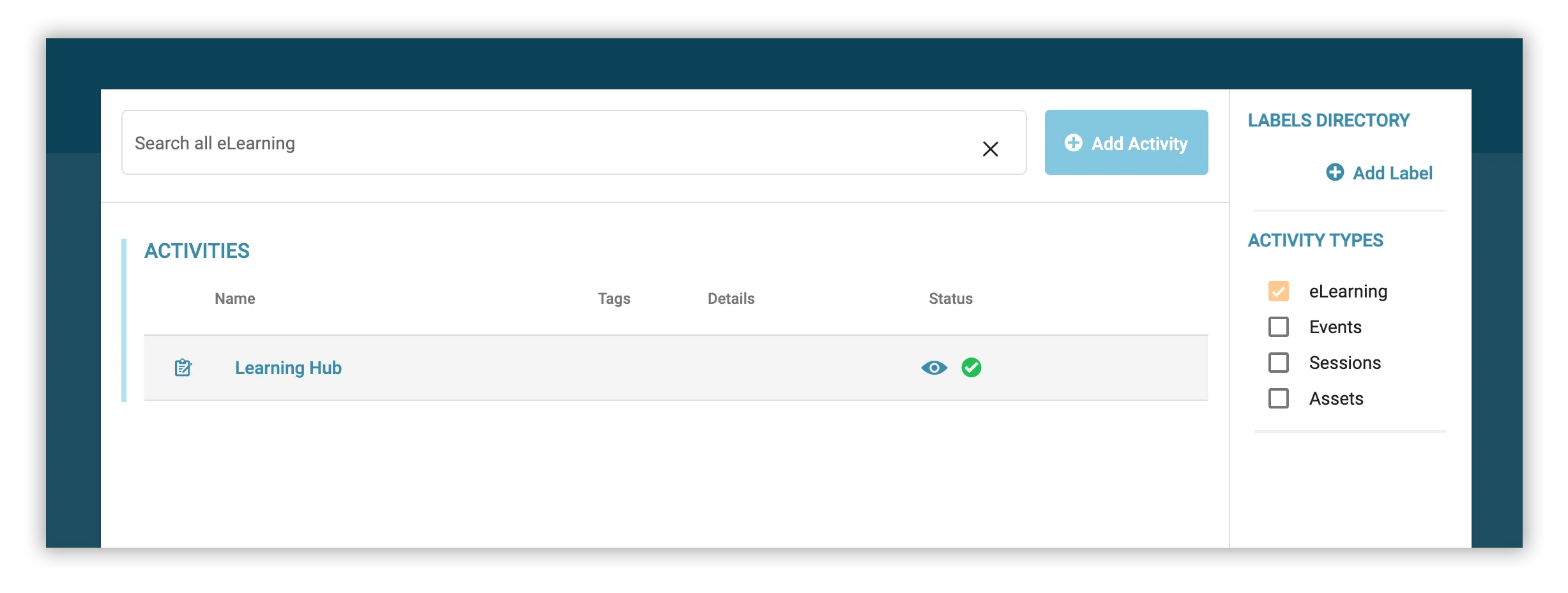
Click the Add Activity button to bring up a list of Activity Types
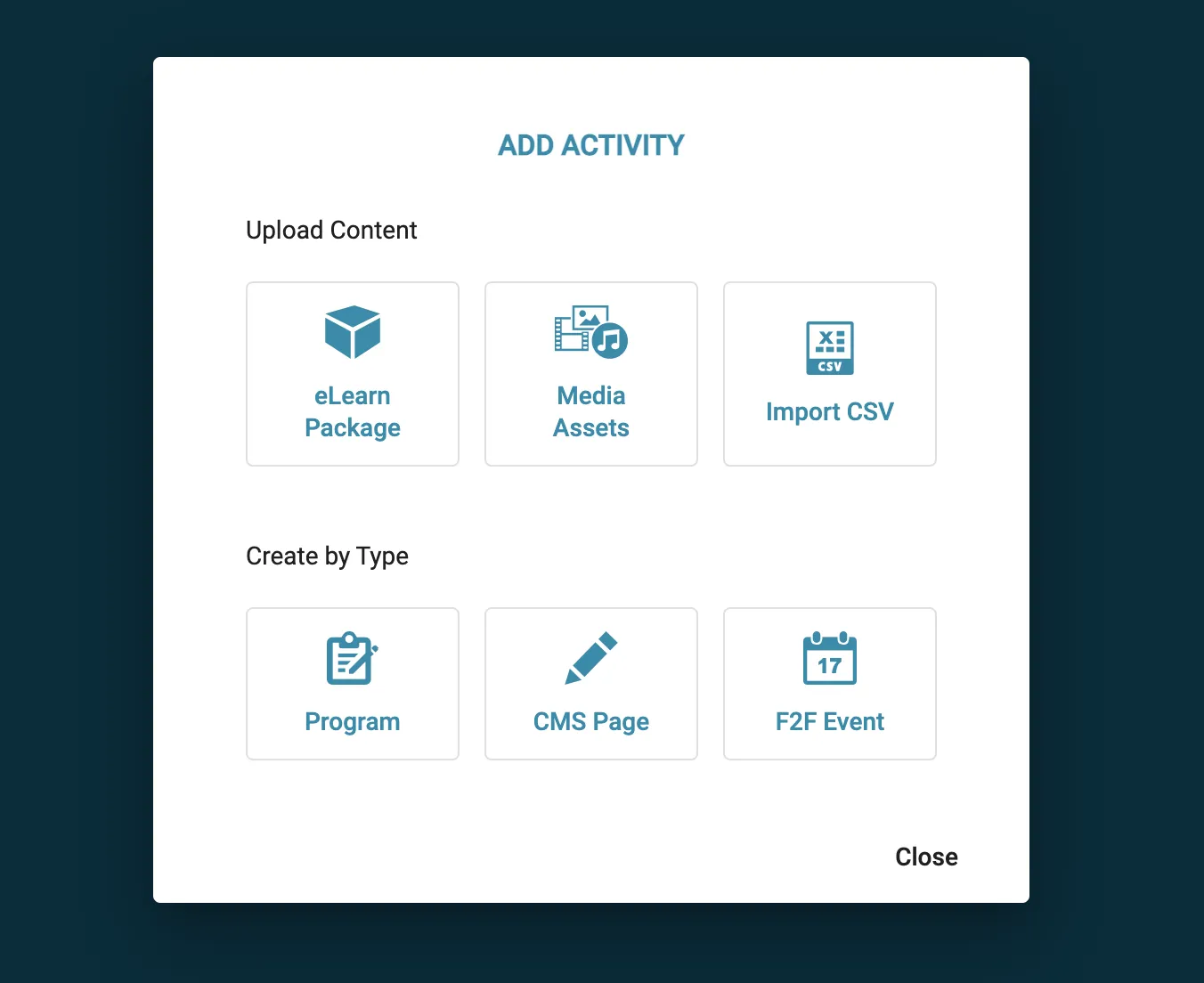
Pick from any of the below options depending on what type of activity you wish to create.
| Type | Description |
|---|---|
| eLearn Package | Upload any valid xAPI or SCORM zip file |
| Media Assets | Upload assets such as images and documents |
| Import CSV | Import multiple activities from a CSV file |
| Program | Create a program to consolidate and manage multiple resources |
| CMS Page | Create an activity with custom CMS content |
| F2F Event | Schedule face-to-face workshops |